
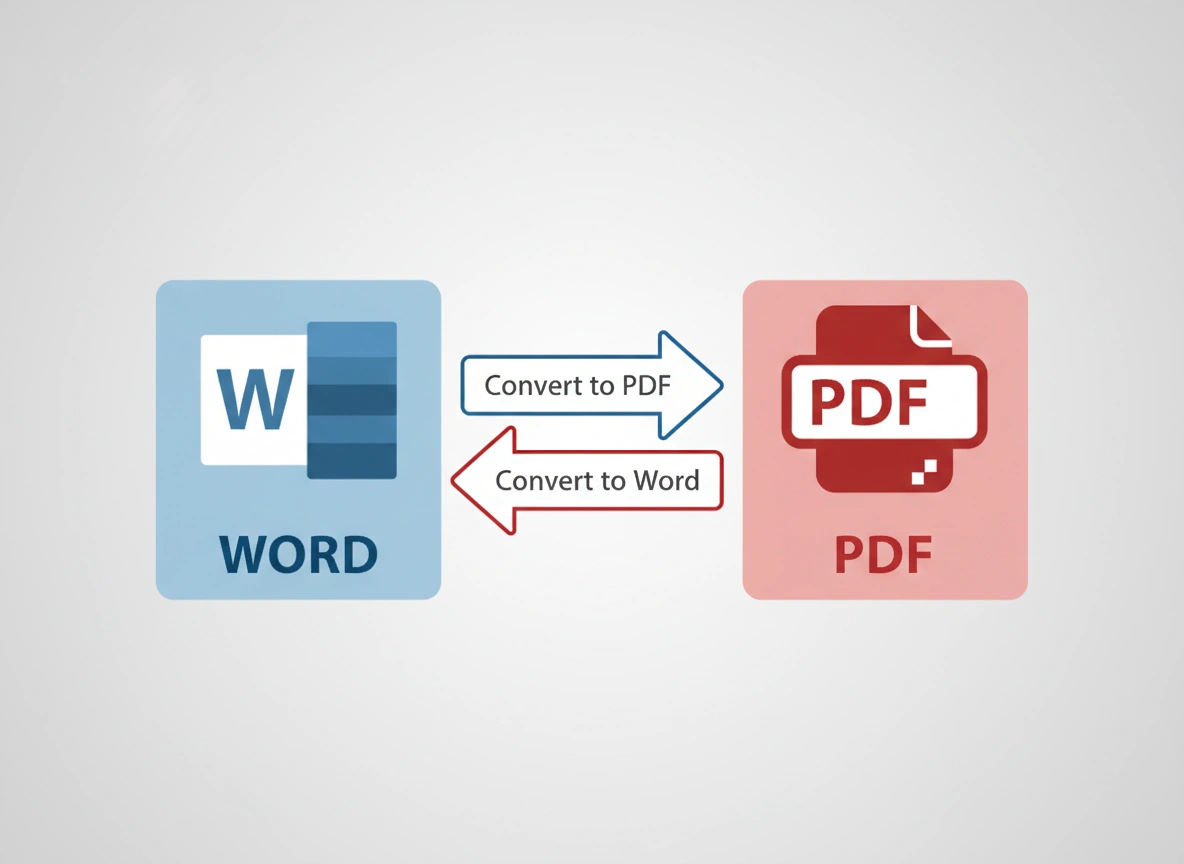
In our daily digital routines, we frequently handle documents that need to be shared, edited, or archived. Two of the most common file formats are Microsoft Word (.docx) and Portable Document Format (.pdf). While both are essential, they serve very different purposes. This often leads to the need to convert files from one format to the other. Understanding the difference between converting a Word document to a PDF and a PDF to a Word document is key to managing your files effectively.
This article will guide you through the specifics of each conversion process. We will explore the core functions of Word-to-PDF and PDF-to-Word conversions, their distinct benefits, and the specific scenarios where each is the superior choice. By the end, you will have a clear understanding of which conversion you need for any given task.
Understanding the Core Formats: Word vs. PDF
Before diving into the conversion processes, it’s important to grasp the fundamental nature of each file type. Their inherent characteristics are the reason we need to convert between them in the first place.
Microsoft Word (.docx)
Microsoft Word documents are designed for creation and editing. This format is the gold standard for drafting text-based content, whether it’s a simple letter, a complex report, or a collaborative manuscript.
- Primary Function: Content creation and dynamic editing.
- Key Features: Allows for easy changes to text, formatting, images, and layout. It supports features like track changes, comments, and real-time collaboration.
- Limitation: The appearance of a Word document can change depending on the device, operating system, or software version used to open it. Fonts might be missing, and layouts can shift, leading to an inconsistent viewing experience.
Portable Document Format (.pdf)
The PDF was created by Adobe with a specific goal in mind: to present documents consistently, regardless of the software, hardware, or operating system. It acts as a digital snapshot of the original file.
- Primary Function: Content presentation and preservation.
- Key Features: Maintains a fixed layout. Fonts, images, and formatting are embedded within the file, ensuring it looks the same everywhere. PDFs are also highly secure, offering password protection and digital signature capabilities.
- Limitation: By design, PDFs are not meant to be easily edited. Making changes to a PDF can be difficult without specialized software, which is why converting them to an editable format like Word becomes necessary.
The Case for Word to PDF Conversion
Converting a Word document to a PDF is one of the most common file operations in both professional and personal settings. This process is about finalizing a document for distribution, sharing, or archiving.
Why Convert from Word to PDF?
When you convert a document from Word to PDF, you are essentially locking it down. You are preserving its final state to ensure it is viewed exactly as you intended.
1. Universal Compatibility and Consistency
This is the primary reason for converting to PDF. When you send a Word document to someone, you can’t be sure they have the same version of Word, the same operating system, or even the same fonts installed. This can lead to formatting disasters. A PDF file, however, will look identical on a Windows PC, a Mac, a smartphone, or a tablet. It preserves your layout, fonts, and images perfectly.
- Scenario: You have just finished designing a company newsletter in Word with specific branding, fonts, and image placements. To ensure all employees see it exactly as designed, you convert it to a PDF before emailing it.
2. Enhanced Security
PDFs offer robust security options that are not available in standard Word documents. You can encrypt a PDF with a password to control who can open, print, or copy its contents. This is crucial for sensitive or confidential information.
- Scenario: A human resources manager needs to send an employment contract to a new hire. To protect the personal information and salary details within the document, they convert the Word file to a password-protected PDF.
3. Professional Presentation
Sending a PDF is often considered more professional than sending an editable Word file. It signals that the document is a final version, not a draft. This is standard practice for submitting resumes, proposals, invoices, and official reports. The fixed format conveys a sense of finality and authority.
- Scenario: A freelance graphic designer is submitting a project proposal to a potential client. To present a polished and final offer, they convert their detailed proposal from Word to PDF.
4. Reduced File Size
While not always the case, converting a Word document with many high-resolution images to a PDF can often result in a smaller file size. PDF converters have optimization settings that can compress images without a significant loss in quality, making the file easier to email or download.
- Scenario: An architect needs to share a report filled with high-resolution images of a building site. To make the file small enough to email, they convert the Word document to a compressed PDF.
The Case for PDF to Word Conversion
The need to convert a PDF back into a Word document arises from the PDF’s greatest strength: its non-editable nature. This process is about unlocking a document’s content so it can be modified, repurposed, or extracted.
Why Convert from PDF to Word?
When you receive a PDF that you need to alter, converting it to a .docx file is your best course of action. This transforms the static content back into a dynamic and editable format.
1. Editing and Updating Content
This is the most common reason for a PDF-to-Word conversion. You may need to correct a typo in a report, update figures in a financial statement, or change dates on an event flyer that you only have as a PDF. Instead of retyping the entire document, a conversion allows you to make direct edits.
- Scenario: You receive a final marketing report as a PDF, but you notice an incorrect statistic on the second page. By converting the PDF to Word, you can quickly correct the number, save it, and then convert it back to a PDF if needed.
2. Reusing and Repurposing Content
Often, you may need to extract large blocks of text or specific data from a PDF for use in another document. While you can try to copy and paste, this often results in broken formatting and strange line breaks. Converting the entire PDF to Word preserves the structure much more effectively, making it easy to copy paragraphs, tables, or lists for reuse.
- Scenario: You need to write a new project proposal and want to reuse several sections from a successful proposal you wrote last year, which you only saved as a PDF. You convert the old PDF to Word to easily copy the relevant sections into your new document.
3. Collaboration and Feedback
While some PDF viewers allow for comments and annotations, a Word document is far superior for collaborative work. If you need a team to provide detailed feedback or make direct edits to a document that exists only as a PDF, converting it to Word and using features like “Track Changes” is the most efficient workflow.
- Scenario: A legal team receives a contract from another party as a PDF. To suggest revisions and track changes for negotiation, they convert the PDF to a Word document to share among their team members for collaborative review.
4. Archiving Text in a Searchable Format
While many modern PDFs are text-searchable, older or scanned PDFs are often just image files, meaning you cannot search for text within them. Converting such a PDF to Word using a tool with Optical Character Recognition (OCR) technology makes the entire content of the document searchable and indexable, which is invaluable for digital archiving.
- Scenario: A university library is digitizing historical documents that were scanned as image-based PDFs. They use an OCR-enabled converter to turn these PDFs into Word files, making the text fully searchable for researchers.
How to Choose the Right Conversion
Your choice between Word to PDF and PDF to Word conversion depends entirely on your objective. Ask yourself one simple question: What do I need to do with this document next?
- If your goal is to share, present, or archive a final version, you need Word to PDF.
- If your goal is to edit, extract, or rework the content, you need PDF to Word.
Ultimately, both Word and PDF are powerful formats, and the ability to convert between them is a crucial skill for anyone who works with digital documents. By understanding when and why to use each conversion type, you can streamline your workflow, ensure professional presentation, and maintain control over your content.
